Best Password Generator Plugins for WordPress
If you are in charge of creating new users for a WordPress website, you’ll find these plugins handy. They generate secure passwords for you.


If you are in charge of creating new users for a WordPress website, you’ll find these plugins handy. They generate secure passwords for you.
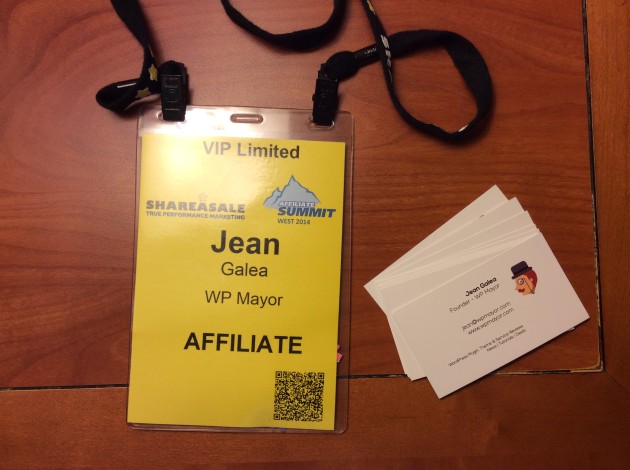
Earlier this month we spent a few days in Las Vegas to take part in the Affiliate Summit West conference held at the Paris hotel.
What is Affiliate Summit?
Affiliate Summit was founded by Missy Ward and Shawn Collins in 2003 for the purpose of providing educational sessions on the latest industry issues and fostering a productive networking environment for affiliate marketers. It is the premiere conference in the affiliate marketing niche, and attracts thousands of attendees that can be split into five main categories: agencies, affiliates, merchants, networks, and vendors.
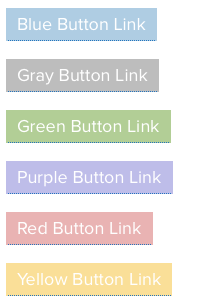
This guide will show you how easy it is to implement and use the Genesis content boxes and colored buttons.
Ever wondered if it’s possible to convert from one custom post type to another? Yes it is! This can be very useful for example when switching themes. One theme can have a particular custom post type implemented while the new one won’t have it, or will have it under a different name. Here’s how you can make the transition easier.
This week I needed to set up automatic emails for new users who sign up for a demo of my plugin WP RSS Aggregator. The use case is that I want to ask these users for feedback one day after they signed up for the demo.
Plug in Automessage, and managing all of your new user follow-up is simplified, it did the job perfectly. You will find it to be an intuitive, powerful, automated messaging tool that integrates seamlessly into your WordPress, Multisite or BuddyPress dashboard.
When you register a domain with any registrar, you can opt to go for whois privacy, which mainly helps protect your personal details from unscrupulous spammers. Unfortunately many registrars charge an extra fee for this service, and things can quickly add up if you have many domains.
The good news is that there are some excellent registrars which do provide FREE whois privacy, and we’re listing them for your convenience here.
Did you think featured images were limited to posts? As always, WordPress is infinitely extendible, so some plugin developers have given us plugins that let us set a featured image/thumbnail for categories, tags and all types of custom taxonomies.
Tomorrow the WP Mayor team is off to Las Vegas, where we’ll be taking part in the Affiliate Summit West Conference. With 5,000 attendees the conference is probably the biggest in the industry and promises to be an absolute blast. It’s our first time attending and we’ll be looking to learn and network as much as possible. We’ll of course be sharing new insights here on the blog.
If you want not only to schedule the publish date of a post or custom post type in WordPress, but also the expiration date, there are a few plugins that can help you out. These plugins will enable the setting of a time span for posts.
Lately I’ve been experimenting more and more with WordPress Multisite, mostly for the purpose of creating test sites for my plugins.
Good information about WordPress Multisite can be hard to come by, but I found the best tutorials, plugins and themes over at WPMUdev.
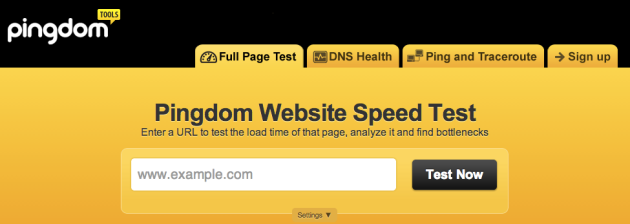
Having a site that loads fast is very important, and we need the right tools to test how fast our website is loading. If it’s not fast, it’s also crucial to know what is providing the bottleneck.
Here are some of my favorite services for analysing website performance.
Users are increasingly wary of themes and plugins that might look good but then prove difficult to use or are riddled with bugs.
One surefire way to assuage those doubts is to create a test drive site for them to try out your theme or plugin, then only download once they are happy with the interface and functionality offered. In my opinion, all plugin and theme developers should be offering this.