Essential Tutorials for Genesis Beginners
When starting to work with the Genesis framework, you might find the going a bit tough until you understand the way it works. Once you’re over that first learning curve, it’s a great ride.
When starting to work with the Genesis framework, you might find the going a bit tough until you understand the way it works. Once you’re over that first learning curve, it’s a great ride.
One of the events I’m most looking forward to attending this year is WordCamp Europe, and I’ve just been notified that the tickets are now on sale. WordCamp Europe will be held in Leiden (close to Amsterdam) on the 7th and 8th of October, with a contributor day held on
So lets say you open up your blog to guest posters, and you create a user for them, and possibly even a custom role.
You will usually find one or more menu items that you don’t want to show to your guest posters. How do you hide them?
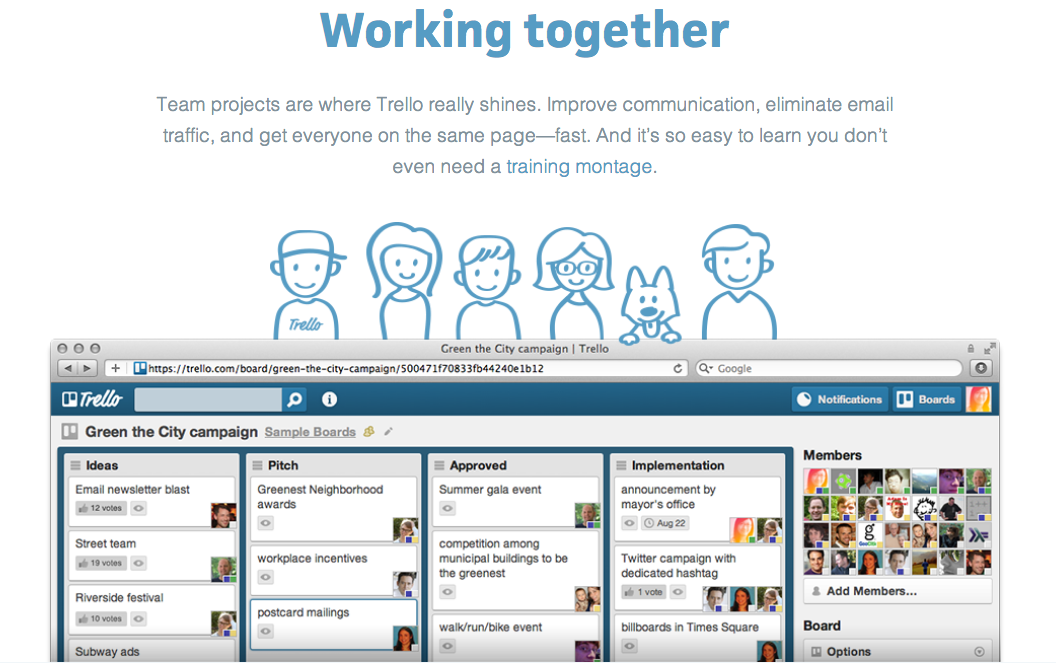
Today I just want to start off a discussion what project management and collaboration tools you use while developing WordPress plugins or themes.
In WordPress development widgets help developers create functionality within a website. For instance developers can easily add content and features to the sidebars. Now widgets can be used in different parts of a website and these are popularly known as the wigetised area.

You’re a talented WordPress developer or designer. Let’s be honest, you’re pretty popular these days. You’ve got skills that are needed far and wide. The only question is: How will you use them?
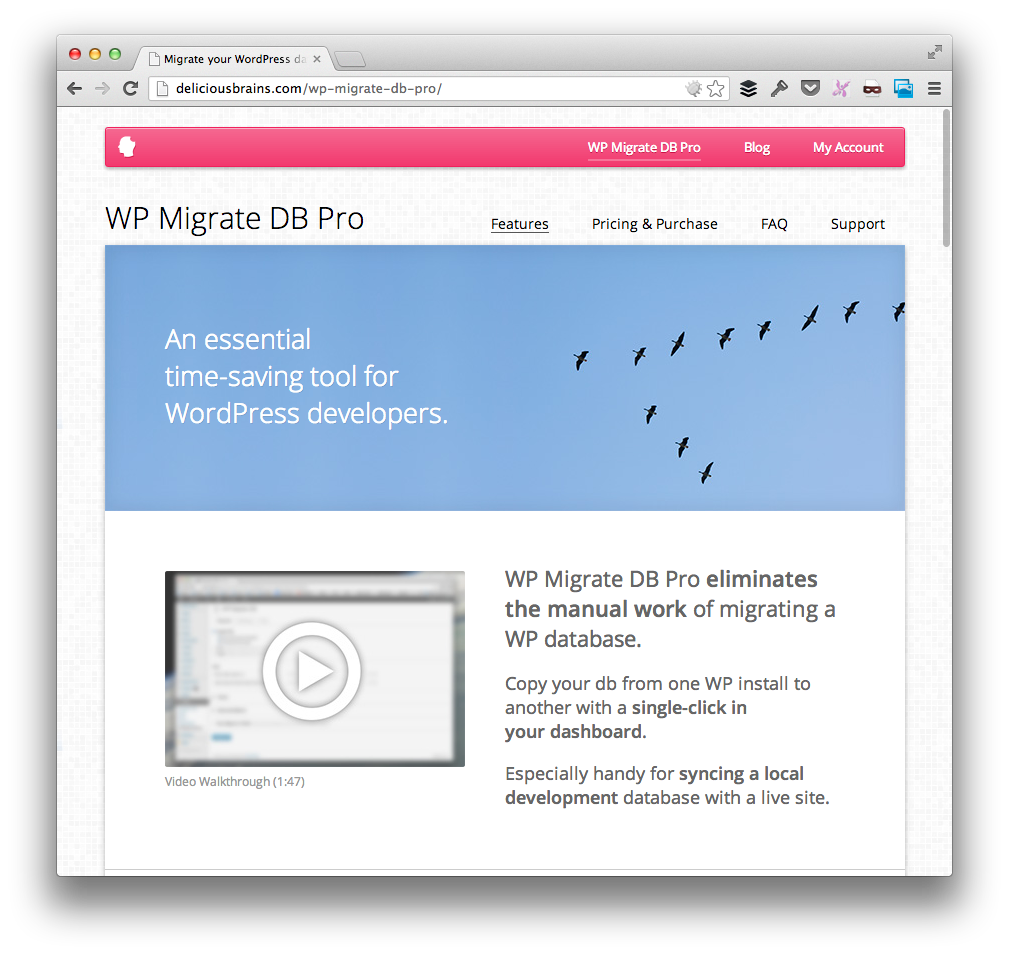
Today we have WP Migrate DB Pro under review, a plugin squarely targeted at WordPress developers, with the aim of making our lives easier when moving databases between one WordPress installation and another.

Most affiliate programs and Advertiser Networks like Google AdSense, ClickBank and the like, have very stringent norms about the policies that need to be unambiguously displayed on affiliate or partner websites. While most of these programs highlight the key mandatory points that need to be part of the policies –
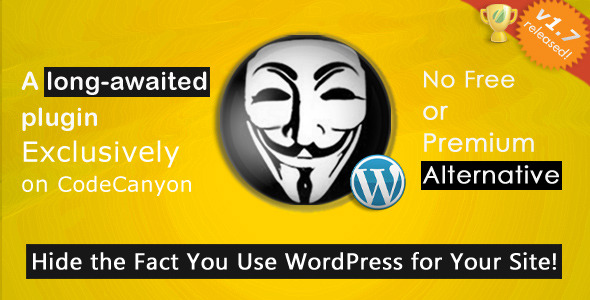
A number of plugins are sprouting up, and their sole purpose is to hide the fact that you use WordPress. What’s the reason for doing that?
The number one reason is security. By obscuring your WordPress installation, you protect your site from brute force and mass hacking attempts, where large
Split testing lets us optimise our site to make more conversions.
You can split test on an image, title, or entire paragraphs of content. Actually, you can do A/B testing on any part of your page.
But let’s face it – we all love the results of testing our sites,

HELP! My WordPress website got hacked! What should I do next?
WordPress is the world’s leading content management system and this makes it a popular target for both amateur and professional hackers.
Unfortunately, every day people go through the shock of discovering that their site has been hacked. After the
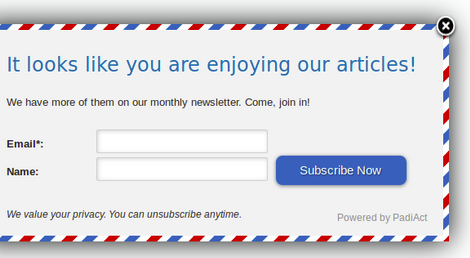
Nothing divides an audience quite like the mention of email pop up forms. Many opinions lean towards hating pop ups for being intrusive, rude and a place to lose your soul. There are however those who swear that pop up forms are super effective for increasing email signups.