An Introduction to the WordPress REST API
The WordPress REST API is a way for other pieces of code to access and manipulate information about your WordPress site.

The WordPress REST API is a way for other pieces of code to access and manipulate information about your WordPress site.

Learn how to make your WooCommerce store international by using easy to do tricks such as the inclusion of multi-currencies and multi-language options.
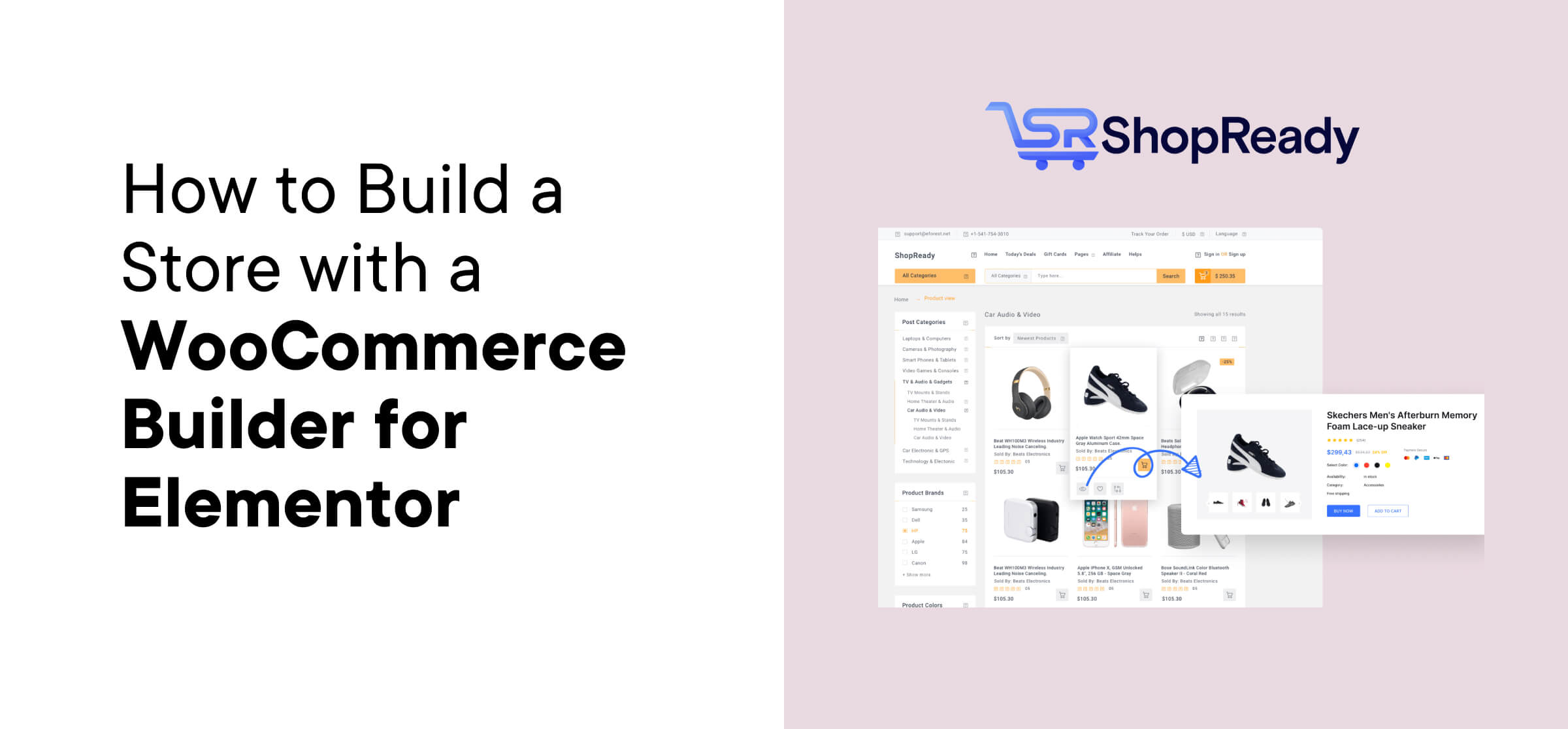
Learn how to use ShopReady to build a WooCommerce store. It’s freemium WooCommerce builder for Elementor that works even with the free version of Elementor.

If you’ve ever run into mysterious errors installing plugins, updating themes or uploading images to your WordPress site, file permissions might be the problem.

Want to have a really cool interactive scrolling effect on your website? It’s not only possible, but you can create a scroll animation for your WordPress site with just a few clicks.
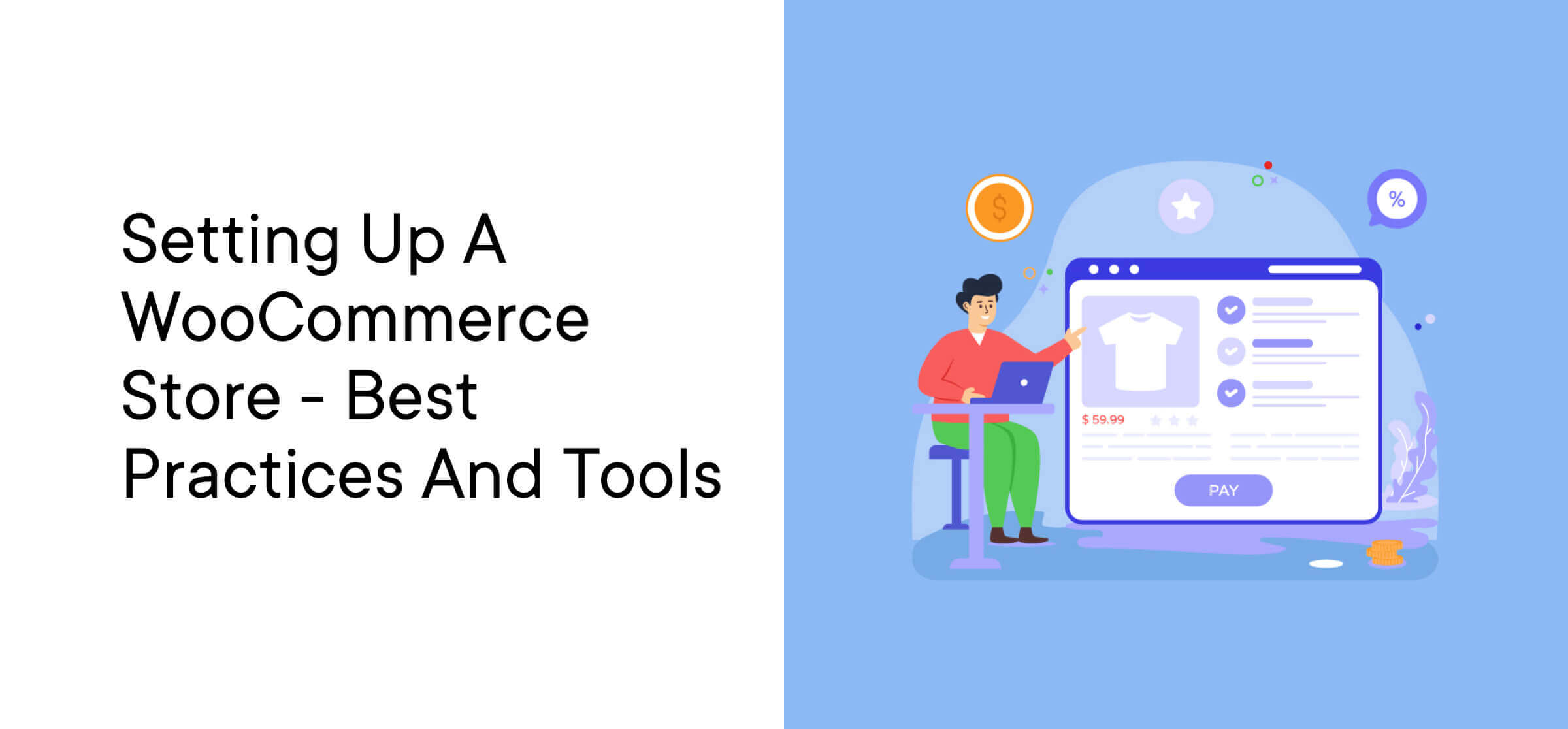
WooCommerce is one of the best eCommerce solutions for WordPress. This article will cover the basics of setting up a WooCommerce store to promote and sell your products.

Comments are a powerful form of social proof, and an active comment section is a positive SEO signal to Google. When the most recent comments appear first it keeps the conversation fresh, so here’s a quick tutorial on how to set that up.
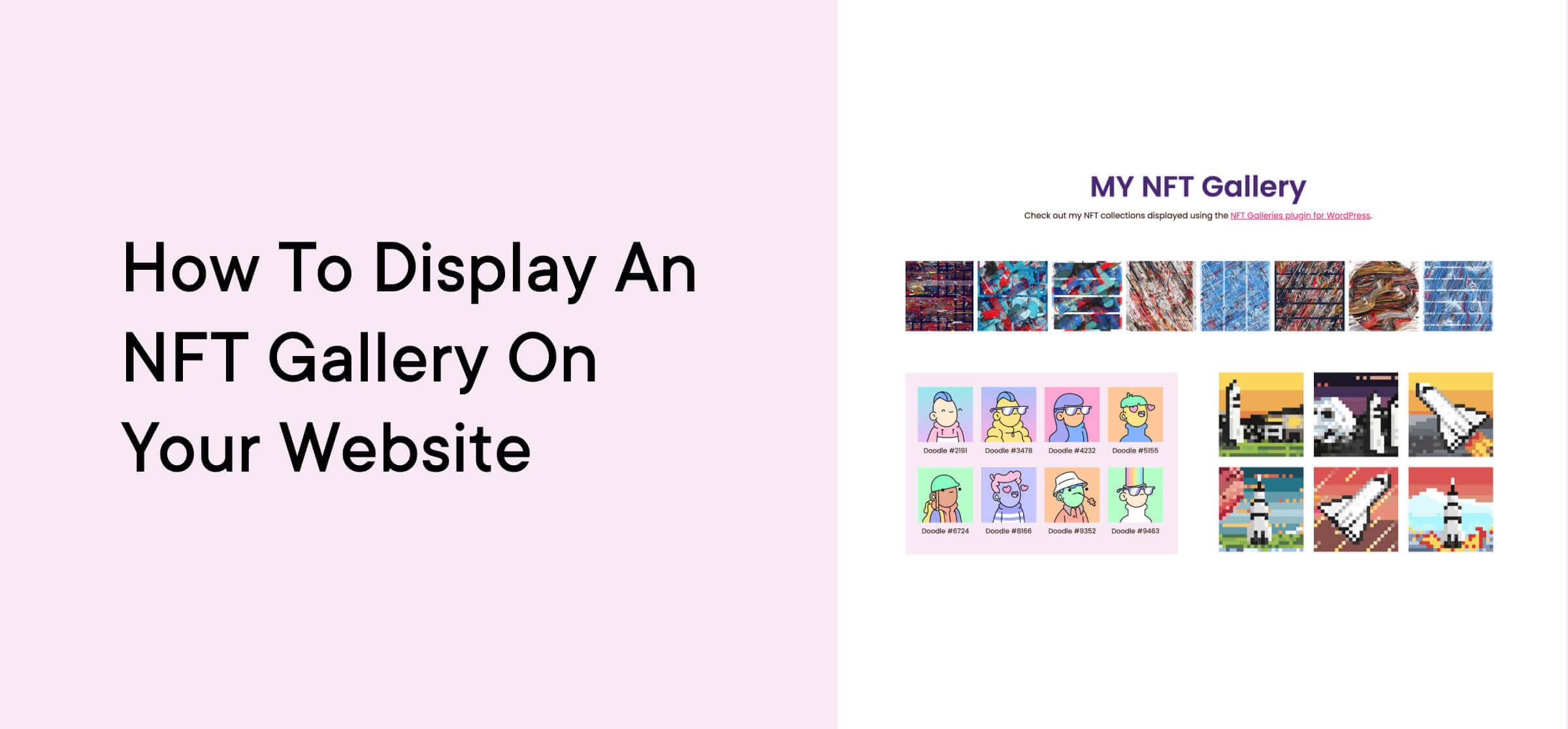
In this quick guide, we’ll show you how to easily display an NFT gallery on your WordPress website.

One of the most significant advantages of hosting your store online is the ability to track your customers’ behavior. In this article, I’ll show you how to set up Google Analytics for your WooCommerce shop.
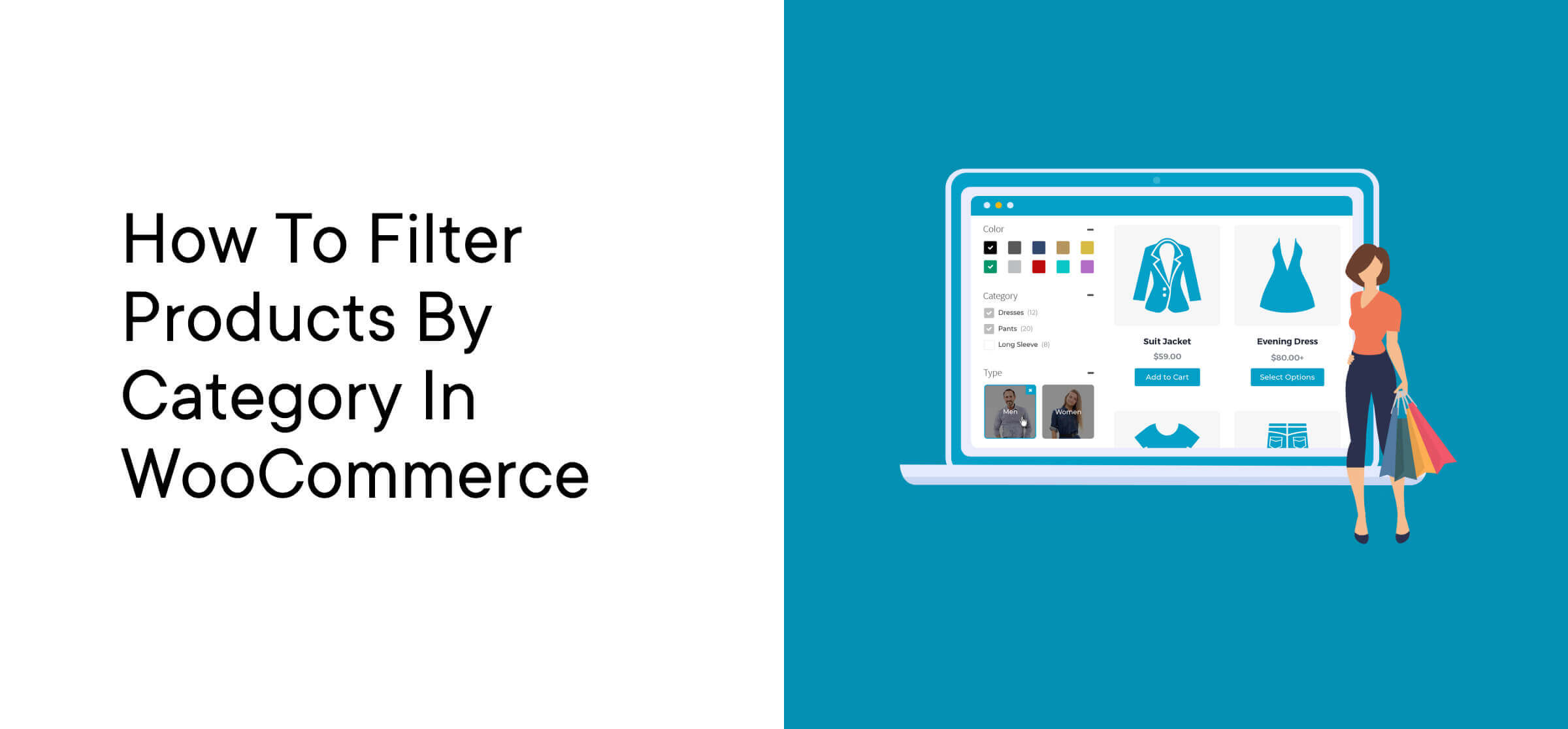
Looking for a way to add WooCommerce category filters to your eCommerce store? In this post, you’ll learn how to do precisely that using the WooCommerce Product Filters plugin from Barn2.

If you want your website to stand out from the crowd, it’s crucial to follow the right strategies as you build it from the ground up. Fortunately, we’ve collected five tips that can help you create great content and generate more traffic for your WordPress website.
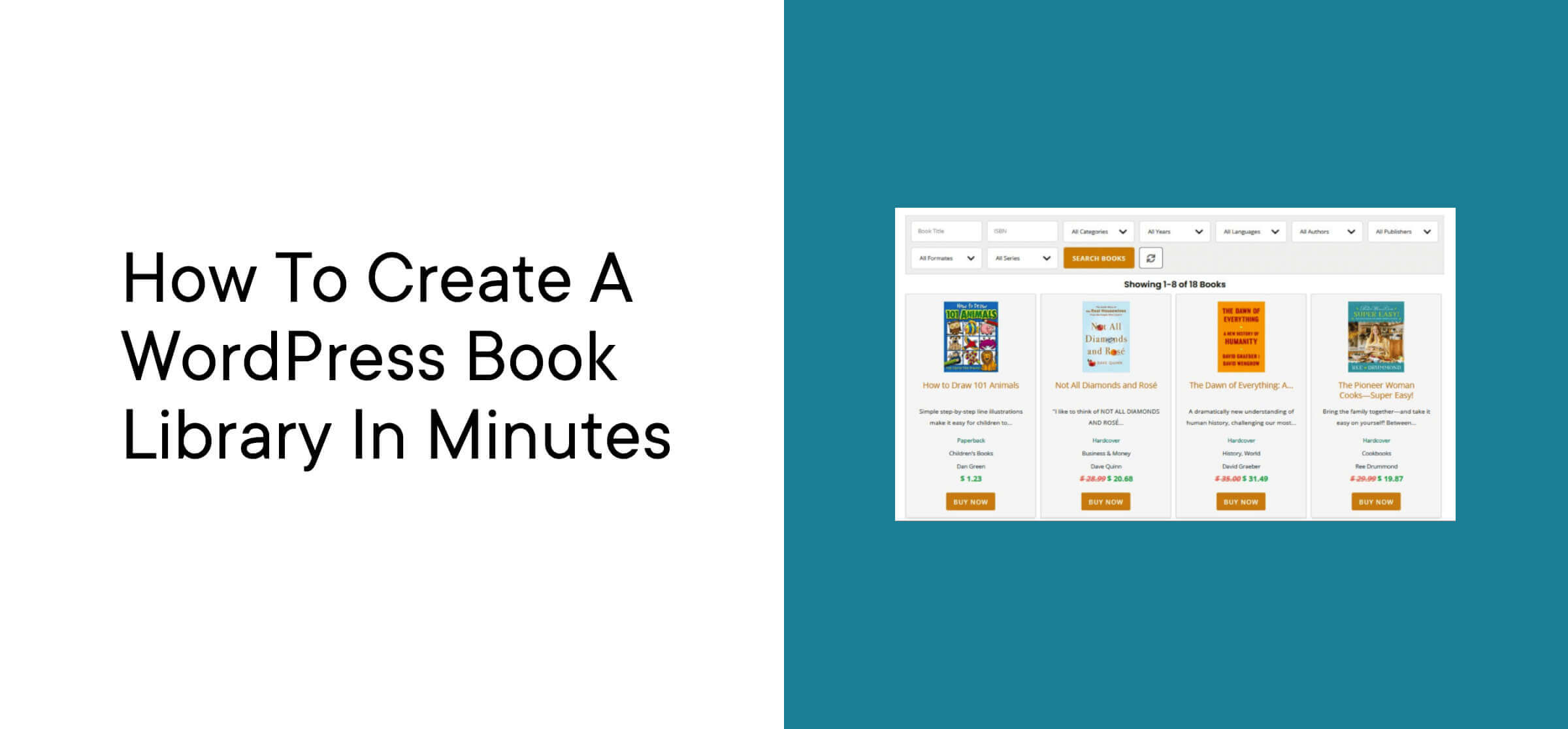
Would you like to showcase books on your website? With the right plugin, you can set up a WordPress book library to sell your books, earn affiliate commissions, or share your favorite titles with your audience.
In this tutorial, we’ll show you how to create a mobile-friendly library on