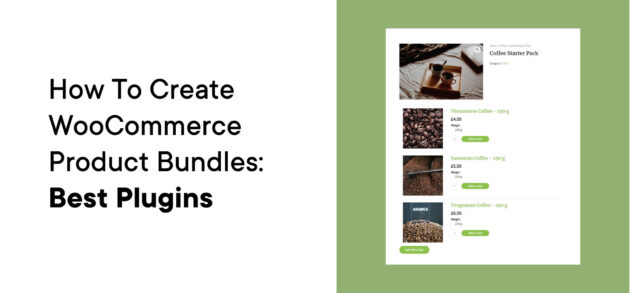
How to Create WooCommerce Product Bundles: Best Plugins
WooCommerce product bundles help you increase your store’s revenue and sell more products. Learn the best ways to create product bundles on your store in our detailed guide.


WooCommerce product bundles help you increase your store’s revenue and sell more products. Learn the best ways to create product bundles on your store in our detailed guide.
Payment Page and WP Simple Pay both make it easy to accept payments via your WordPress site. In this hands-on comparison, we’ll help you pick the right one for your specific needs.
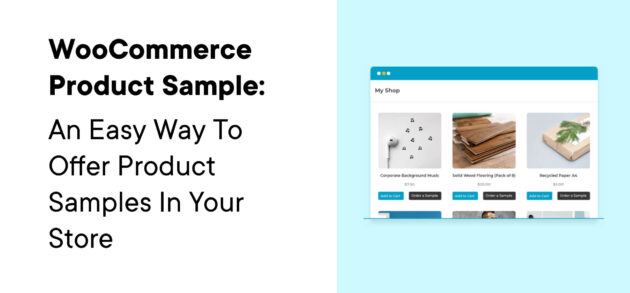
Offering WooCommerce sample products gives your store’s shoppers a chance to test products before they commit, which can boost your sales. In this step-by-step tutorial, we’ll show you how to easily start offering sample products using the WooCommerce Product Sample

CoinGate lets you accept cryptocurrency payments on WordPress using a dedicated WooCommerce plugin or buy buttons. Accept 70+ different currencies and get paid in a single preferred currency. Read our CoinGate review to learn how it works.
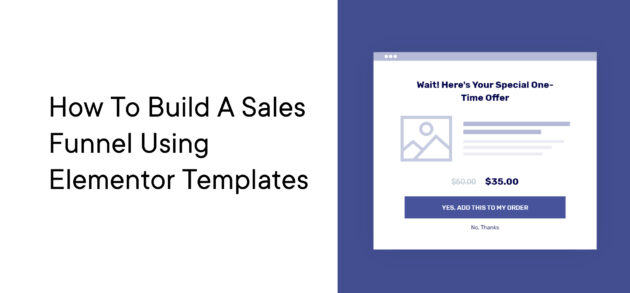
Learn to create a custom, reusable Elementor sales funnels using the FunnelKit plugin. Easy to implement with pre-built templates and a super intuitive interface. Create your own streamlined process for building sales pages.
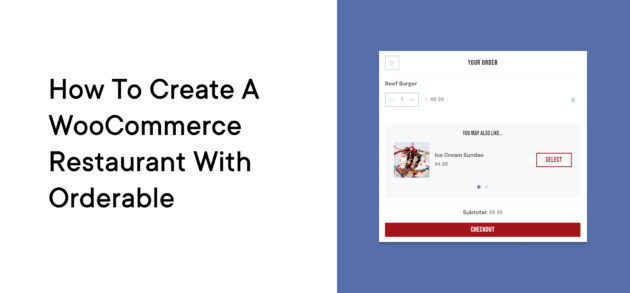
In this article, I’ll show you how to set up an online WooCommerce restaurant that’s just as robust as one of those third-party apps – while you maintain total control.

The search functionality is one of the most important elements of any online store. In this post, we look at 6 of the best WooCommerce search plugins and why you need them.

With the robust combination of WordPress, WooCommerce, and FunnelKit, you can create a beautifully designed eCommerce store. FunnelKit is a robust ClickFunnels alternative. Learn more about how FunnelKit works and what makes it a powerful ClickFunnels alternative here.
We catch up with Katie Keith from Barn2 Plugins to discuss ways to improve your WooCommerce buyer’s journey.
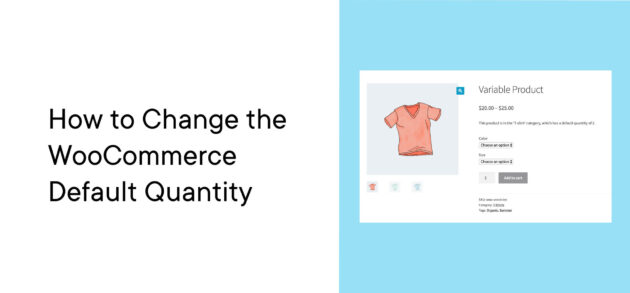
The WooCommerce default quantity is one, and there’s no way to change that in the plugin’s native settings. However, increasing that number can help you encourage more sales and make it easier for customers to purchase complete sets of items

The Payment Page plugin makes it easy to accept payments on WordPress. You can design and customize your forms using Elementor’s visual interface for easy code-free setup. Read our hands-on Payment Page review to see how it works.

A knowledge base will help you reduce customer support and improve customer satisfaction. It’s important to offer great support through email or live chat, but if you can help a customer before they even contact you, they’re happier and your