
Author: Will Morris

Will Morris is a staff writer at WordCandy. When he's not writing about WordPress, he likes to gig his stand-up comedy routine on the local circuit.

Articles written by Will Morris

An antique globe.

How to Translate Your Gutenberg Content Using WPML (In 3 Steps)

If you want to attract as many visitors as possible to your website, it’s a smart idea to offer content in multiple languages. While the recent addition of the Gutenberg editor to WordPress may leave you wondering how you can translate your content without altering its layout, don’t worry. It’s easy to create translations of your Gutenberg posts and pages using the WPML plugin!


A man filling out a form.

An Introduction to Quform: A WordPress Form Builder Solution

Forms are incredibly useful tools on nearly any website. If you’re a WordPress user, this means you’ll want to install a robust form builder plugin. Let’s take a look at one such solution – Quform. We’ll explore its key features, discuss its pricing, and explain how to take it for a spin!

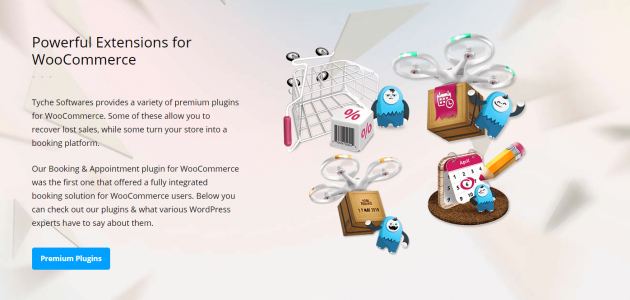
The Tyche Softwares website.

6 Top WooCommerce Plugins to Improve Your E-Commerce Store

Just recently, Tyche Softwares acquired six new WooCommerce plugins. These tools add new features and functionality to your online store, expanding your options for managing and processing orders. Let’s take a look at these plugins and what they can do!

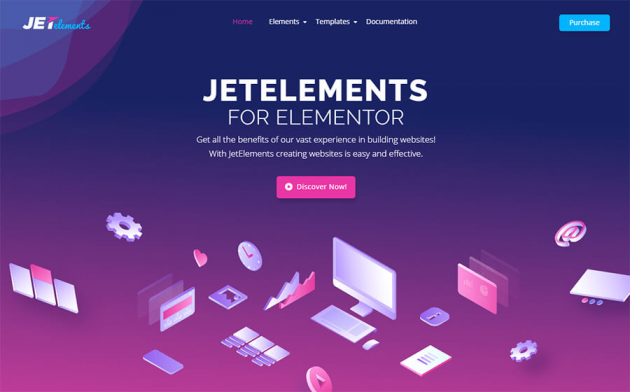
The JetElements Elementor plugin.

20 Top Themes and Plugins for Your Elementor Site

Are you using Elementor to build your WordPress website? If so, there are a lot of themes and plugins that complement the page builder and enhance your site. In this post, we’ll introduce 20 of the best Elementor themes and plugins you can find!

A green sign with the words "se habla español" in white.

4 Reasons to Translate Your WordPress Website

Even if the majority of your current audience speaks a single language, you could limit yourself by keeping your site unilingual. It restricts your potential users and could lead to a decrease in conversions.

Translating your site is a smart and forward-thinking strategy. It enables you to draw in new users and makes it easier to communicate directly with non-native speakers who may be interested in your content. It’s also a lot easier than you might expect.

Some shoes.

5 of the Best Ad Management Plugins Compared

Advertising revenue can represent a significant income for many sites, and although it’s arguably not as financially viable any more, it’s a fallacy to suggest ditching your ad programs just yet.

In this post, we’ll look to round up five of the best ad management plugins available. By the end, you’ll have everything you need to make the right choice for you!

A crown.

The Most Stellar WordPress Plugins

There are thousands of WordPress plugins on the market, so choosing the most essential and very best is hard. In this post, we’ll look at a number of them, covering all manner of situations!

The Northern Lights

How to Add a Particle Effect to Your Website (Using Slider Revolution)

Once question that can never be fully answered is: What can I do to make my website stand out? However, doing so is getting tougher given the number of solutions on the market to do provide unique design elements or functionality.

In this post, we’ll look at a ‘particle effect’, breaking down what it is, and showcasing some examples. We’ll also discuss why you’d want to incorporate it on your website, then talk about how you can implement the effect using an add-on for the wildly popular Slider Revolution plugin!

A chalkboard with the word "Update".

WordPatch Review: Streamlining the WordPress Update Process

Updating your WordPress website is essential if you want to keep it running smoothly. As you may know, however, updates can roll back custom changes that you or your developer have made to your site. This results in wasted time, and the need to re-do important work.

WordPatch is a plugin designed to deal with this problem. It can automatically re-apply your custom modifications each time part of your site is updated, so no one has to go in and do so manually. Let’s take a close look at what WordPatch offers and how it works, and see if it’s worth picking up!