
Author: Mark Zahra

Mark Zahra runs WP Mayor and leads RebelCode, the company behind WP RSS Aggregator and Spotlight Instagram Feeds. That dual vantage point, both publisher and product builder, shapes how he covers the WordPress ecosystem. He has shipped products to tens of thousands of sites and reviewed hundreds more. He started with WordPress in 2012, joined WP Mayor in 2014, and has since written for a community of millions, focused on honest, practical guidance readers can act on.

Articles written by Mark Zahra

How to Build a WordPress Autoblogging Website

Autoblogging is a way of setting up a website whose blog is taken care of automatically, constantly updated with fresh, curated and quality content of your choice. It can also be an opportunity to make use of affiliate marketing and earn some extra cash every month.

As a way of showcasing the power of WP RSS Aggregator, we decided to do just that; we set up an autoblogging website from scratch.
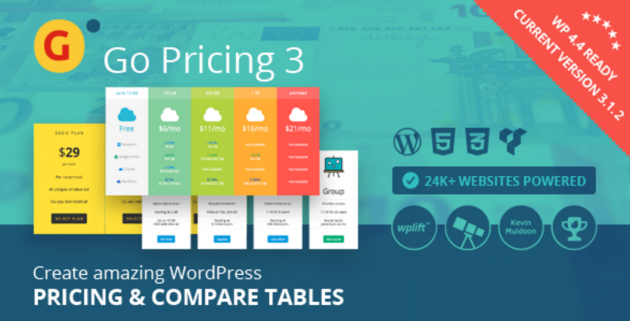
Adding a Price & Service Comparison Table in WordPress

When offering a product or service for sale you always want to present everything you have available in the clearest and most attractive way possible. This means comparing your various products and pricing plans. In WordPress there are two ways you can achieve such a comparison, and these are either building your own table using some CSS and design knowledge, or by using a free or premium plugin.

How to Create a News Aggregator as an Online Side Business with WP RSS Aggregator

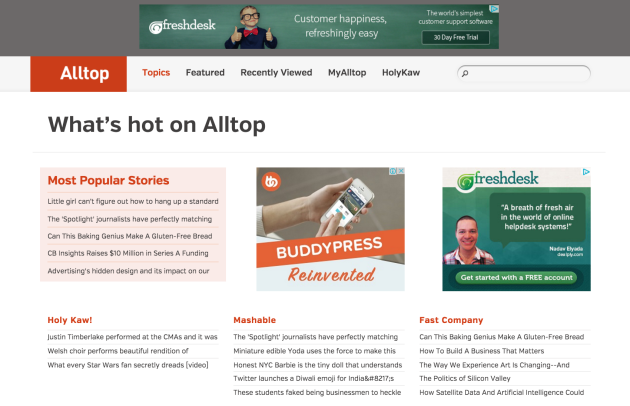
As you may know, we are also the team behind the WP RSS Aggregator plugin, and I’m also the Head of Support for the plugin. Now, one of the questions that I’ve been asked on multiple occasions is whether it’s possible to create a website similar to Alltop, or whether it’s possible to create a fully-functional auto-blog website using WP RSS Aggregator.

The simple answer is YES.

New EDD Checkout Message Extension Released

Have you ever seen an appreciate “Thank you” message when making a high-value purchase? Or have you ever seen a conditional message appear when you try to purchase multiple items together that aren’t compatible with each other?

Would you like to implement something like that for your own online shop? Well, you’re in luck. Just this week the brand new Checkout Message extension for Easy Digital Downloads was released, making it super easy to do just that.

Beans: An Easy, Free and Lightweight WordPress Theme Framework

Bloated themes are all the more common nowadays, with many theme developers choosing to include an abundance of features, and sometimes additional plugins, into their themes, leading to theme bloat. However, you sometimes just want a simple theme that gets the job done. One such theme framework is Beans; an easy-to-use, lightweight, well-documented, free and open-source WordPress theme framework.

WP RSS Aggregator Releases New Widget Add-On

This week the WP RSS Aggregator plugin added a new premium add-on to the collection – the Widget add-on.

This add-on allows you to add a widget to any section of your WordPress site to display a list of imported feed items from WP RSS Aggregator. It’s an add-on that has been in the pipeline for quite a while, and has finally been given the green light.

Best WordPress Reseller Hosting

The 4 Best WordPress Reseller Hosting Options

Agency owners and freelancers with multiple clients, it’s time to think about offering hosting as a service. It can be a great way to generate passive income and give a more comprehensive service to your customers. Here’s our pick of the best reseller hosting options.

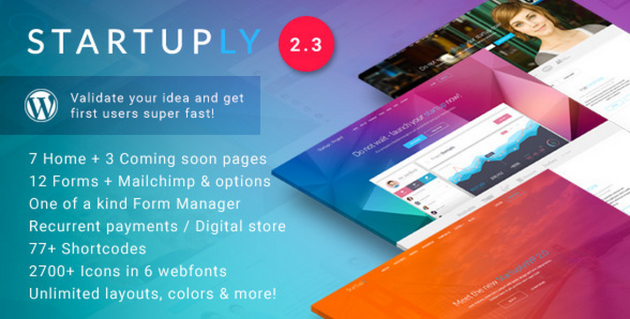
Startuply: A WordPress Theme for Startups

When starting a new business or launching a new product you always want to have a great website behind it. Finding a faster, more efficient way of building your website without compromising on either quality or looks would be the ideal solution.

WordPress can offer this with the vast number of themes available, and today we’ll be looking at one particular theme that is focused purely on startups – Startuply.

Awesome Websites to Create Using RSS Feeds

There are many ways you can make use of RSS feeds, but the one you’ll be reading about today is their use for content aggregation purposes. What does that mean? Most (if not all) blogs also have their own RSS feeds, and these can be used to import their content, or a part of it, onto your own (or your client’s) WordPress site. How do you do this? This can be accomplished very easily using the WP RSS Aggregator plugin and its invaluable Premium Add-ons.